
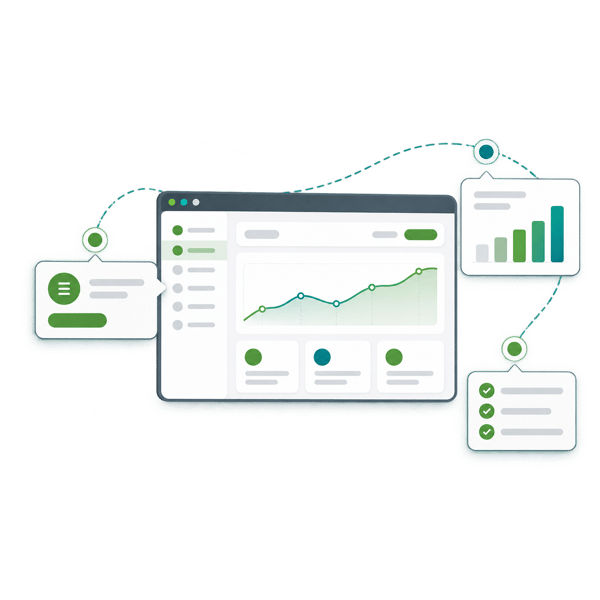





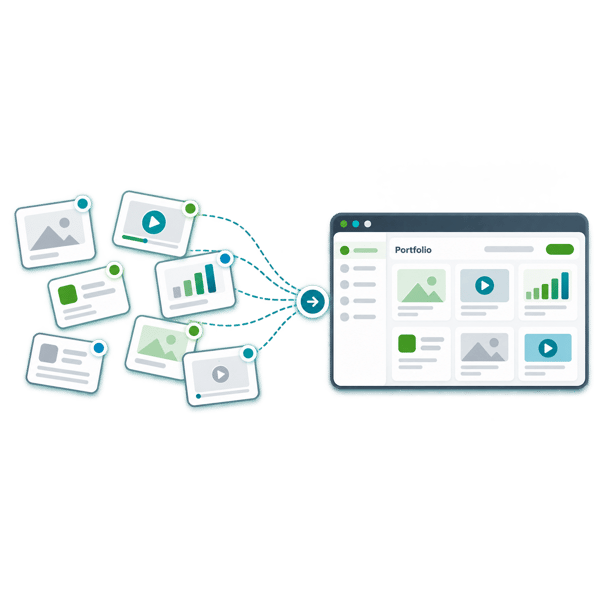

An interactive product demo is a digital experience that lets someone click through a product workflow at their own pace. It typically uses captured screens or a simulated interface to show how the product solves a particular problem, without requiring access to a live production system.
Start with your buyer
The right demo at the right moment
Help buyers understand your product, test its fit and take the next step with demos built around the decisions they need to make.
A first-time visitor wants to understand what your product could change for them. A technical evaluator needs proof against a specific requirement. A new customer needs help reaching their first useful outcome. One product walkthrough cannot serve all three equally well.
Interactive product demos let buyers explore relevant workflows at their own pace. Their value grows when they connect to the other demos your buyers need, from an initial glimpse of the product to a guided evaluation and onboarding.
The Demodia Demo Continuum maps six demo types to those different moments. Use it to see what your buyers need next, where your current demos leave gaps, and what deserves attention first.
Match the moment
Demos don’t come in one flavour
The question your buyer needs answered determines what to show, how much detail to include and which format will help.
Someone discovering your product needs enough context to recognise its relevance. A buyer exploring a particular workflow wants to see how it could work for their team. Later, they may need technical proof, a guided evaluation with their own data, or help putting the product to use. The Demodia Demo Continuum maps these needs across six demo types: Vision, Explainer, Use-Case, Technical, POC/Trial and Onboarding. Each has a different job, with the emphasis moving from a clear first impression towards specific proof and practical guidance.
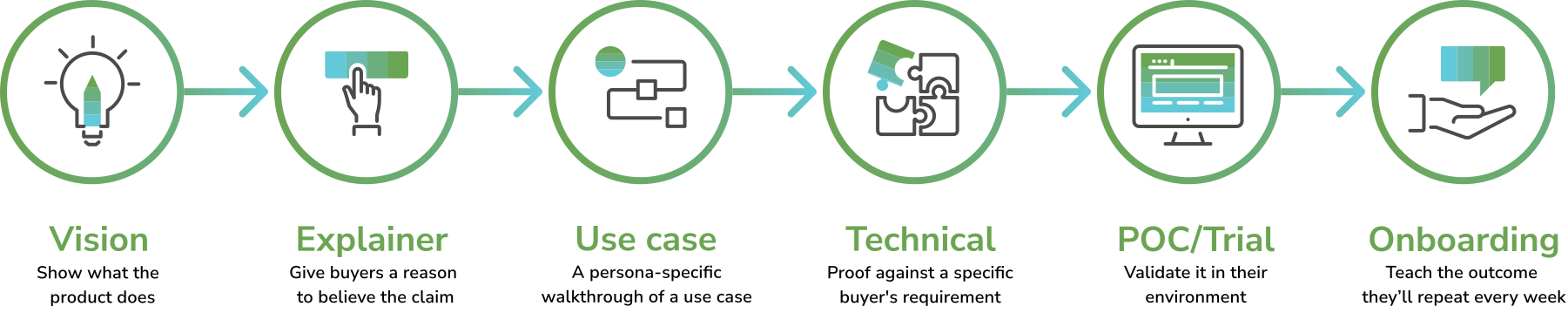
Interactive walkthroughs are particularly useful for Use-Case demos, where buyers explore a relevant workflow themselves. Elsewhere, a simple product image, short video or tailored live session may better answer the question. Buyers can enter the Continuum at different points and revisit earlier questions when a colleague joins the conversation.
What you show next should follow the evidence: the workflow they explored, the requirement they raised or the success criteria you agreed together.

Connect the teams
Six things every demo portfolio has to get right
Every demo should build on what the buyer already understands. That takes shared context across marketing, sales, presales and customer success, so the workflow a buyer explores becomes the starting point for their next conversation.
The process story
Every demo you own tells the same story, so your buyer hears one version of what you do rather than five.
The buyer experience
A buyer can reach the right demo without booking a call - on your site, in a shared library, in a portal built for their deal.
The demand engine
Your demos start conversations and tell you who's serious, instead of sitting behind a form waiting to be requested.
The sales process
There's a demo ready for every stage of how you actually sell, matched to the buyer's moment rather than to whatever exists.
The revenue backbone
You can see which demos moved deals and which ones cost you, because engagement lands on the deal record.
The operating rhythm
You know what's getting built next and why, and so does everyone who asked for something.
The Demo Distillery shows how these components work together and where your demo portfolio needs attention.
Organise your demos
One continuum, one governed library
Keep your demos in one managed library, so every team can find the right asset, trust what it shows and understand when to use it.
Across the six stages, teams need different formats and levels of detail. Those assets still belong to the same demo portfolio, with a shared process for keeping them accurate and useful.
Each demo needs a clear record of:
- Owner: who is responsible for its accuracy and review.
- Buyer moment: the stage, persona and use case it supports.
- Purpose: the question it answers and the outcome it shows.
- Product dependencies: the features, screens and workflows it relies on.
- Version: what it reflects and when it was last checked.
- Engagement: how it is used, connected to the relevant CRM contact or deal where identifiable.
With that structure, a product release gives you a defined set of demos to review. A salesperson can find an approved asset for a particular buyer. Presales can see what the buyer has already explored and prepare accordingly.
A governed library makes the work reusable while keeping responsibility clear as your product, positioning and sales process evolve.
Jaw-dropping product demonstrations
"Demodia created a set of tools and scripts that enabled our global sales organisation to consistently deliver compelling product demonstrations."
Anik Ganguly
EVP Products - OpenText
EVP Products - OpenText